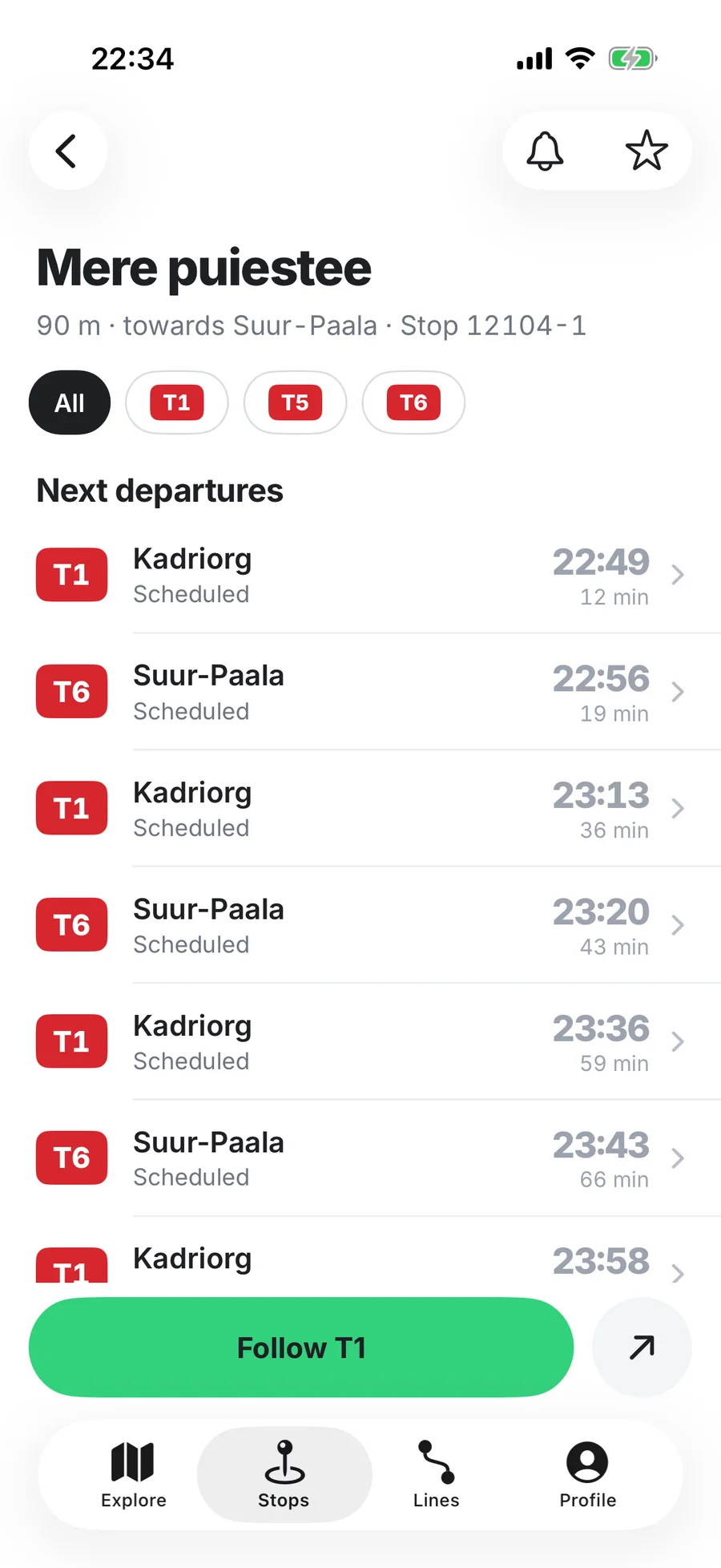
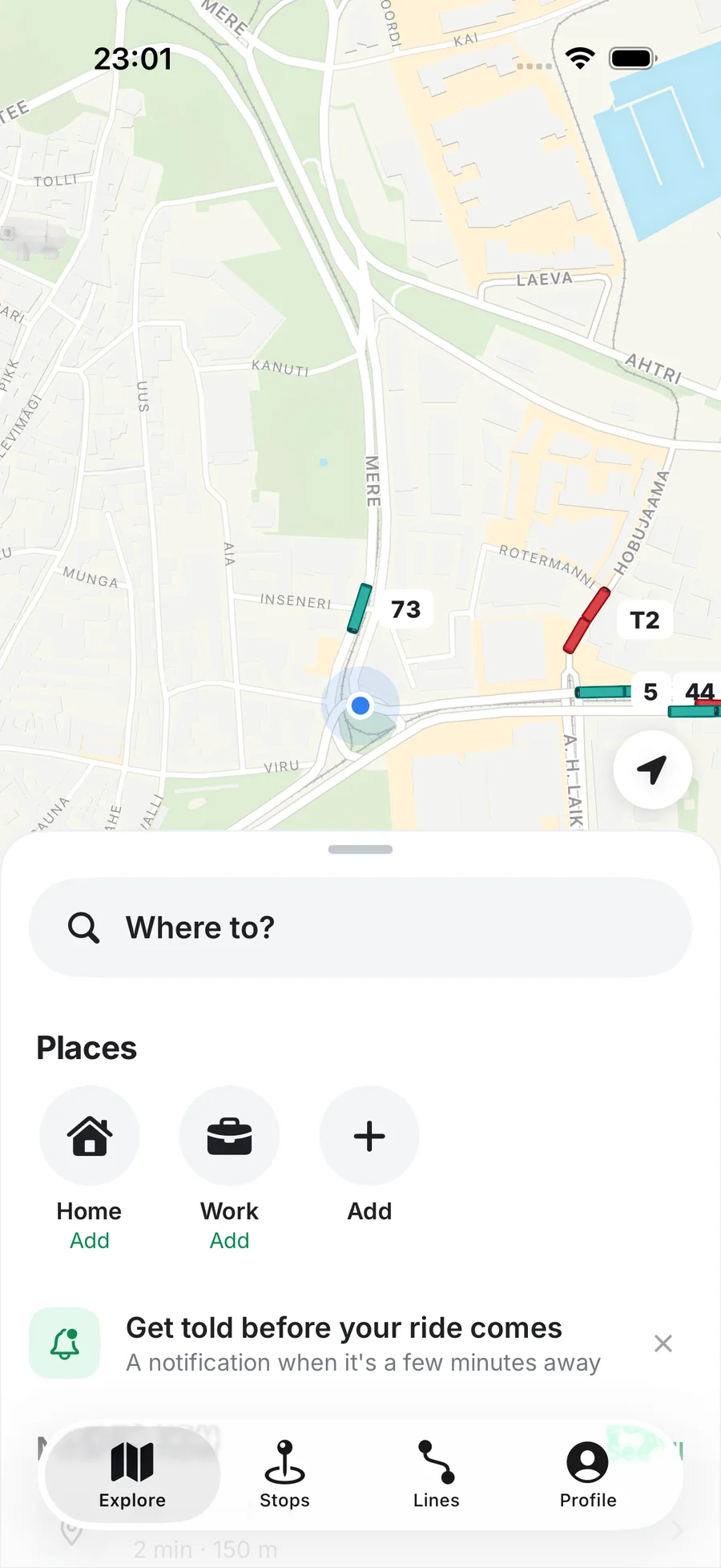
How a new city joins Hetku
Timetables first, then live data where it exists. New cities switch on by themselves, with no app update.
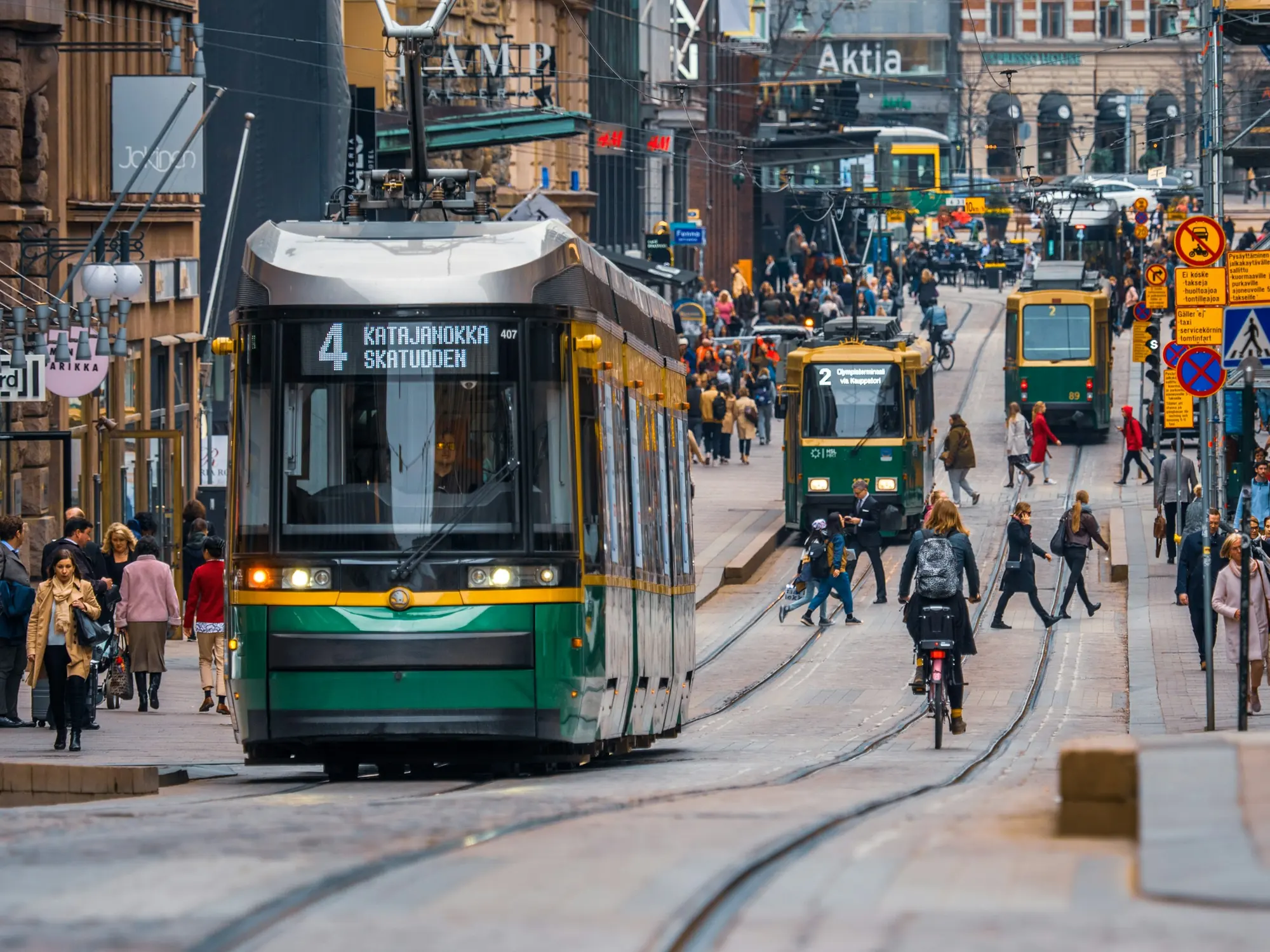
Every city in Hetku starts as a small configuration file: where it is, which languages it speaks, and how its lines and vehicles should look.
The timetable comes first. It gives us the lines, the stops and the routes, and that is already enough to plan a trip. Live positions follow where they are available.
Because all of this is data and not code, a new city needs no app update. When it is ready, it simply appears, and if you’re standing in it, the app opens there.
 Why Hetku tells you when a time is only from the timetable
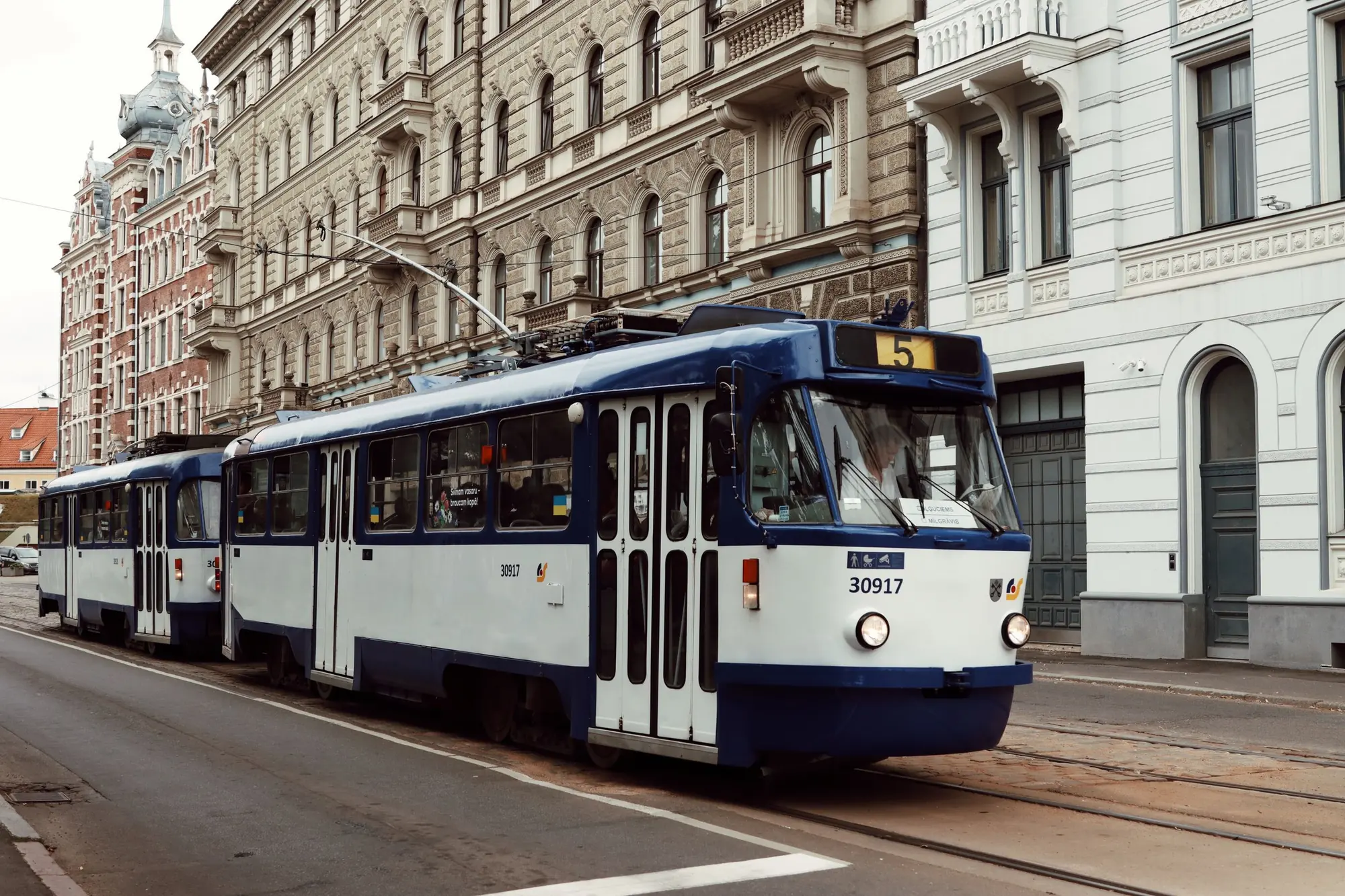 Line colors that match your street
 Following a ride without looking at your phone